Radio speaker to microphone
Fastest field setup. Keep the phone still, avoid clipping, and expect room noise or AGC pumping to matter more than the exact decoder choice.
 SSTV.org.uk
Field note
A handheld beside a phone, a tablet fed by a remote SDR, and a Mac at the station desk ask different things of the same decoder. Start with the audio or I/Q path, then choose the edition that fits your operating.
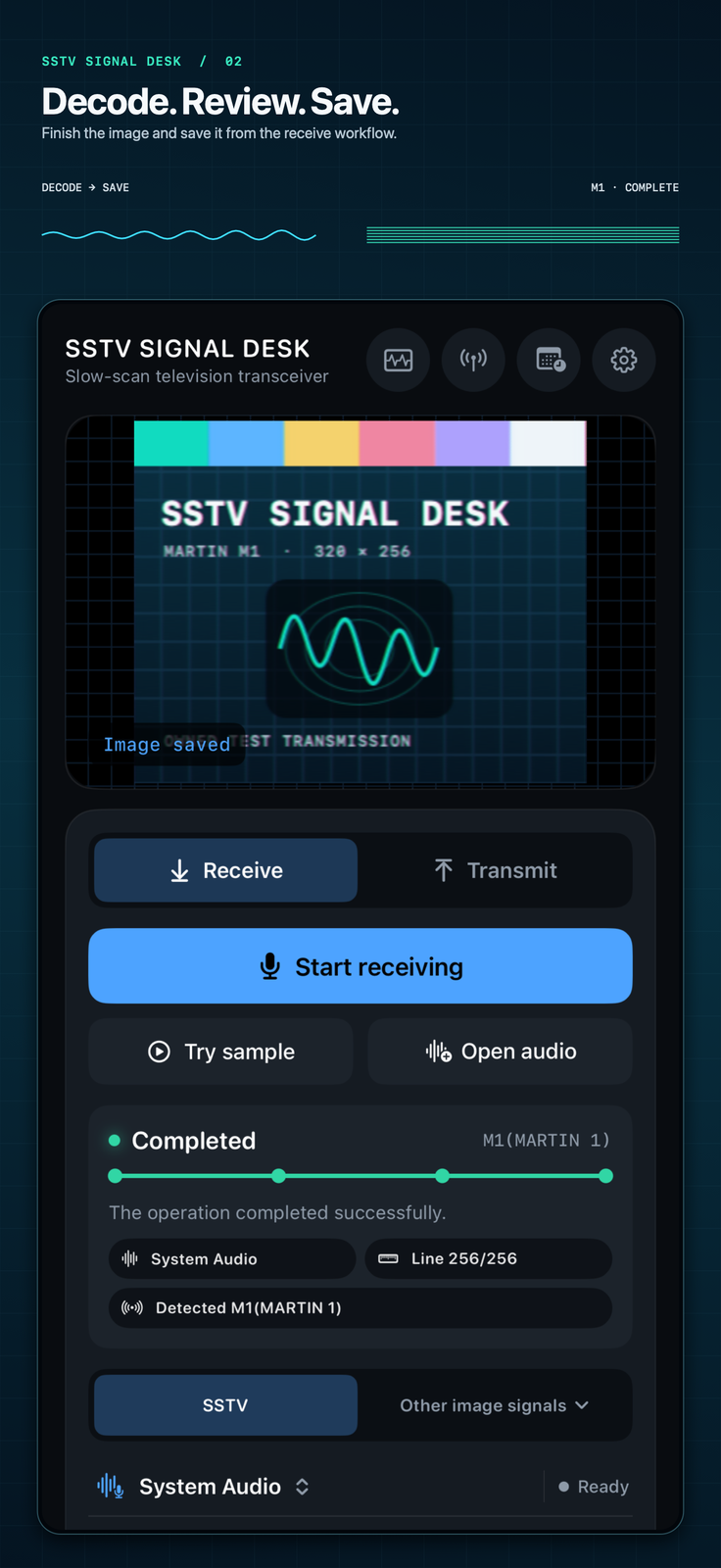
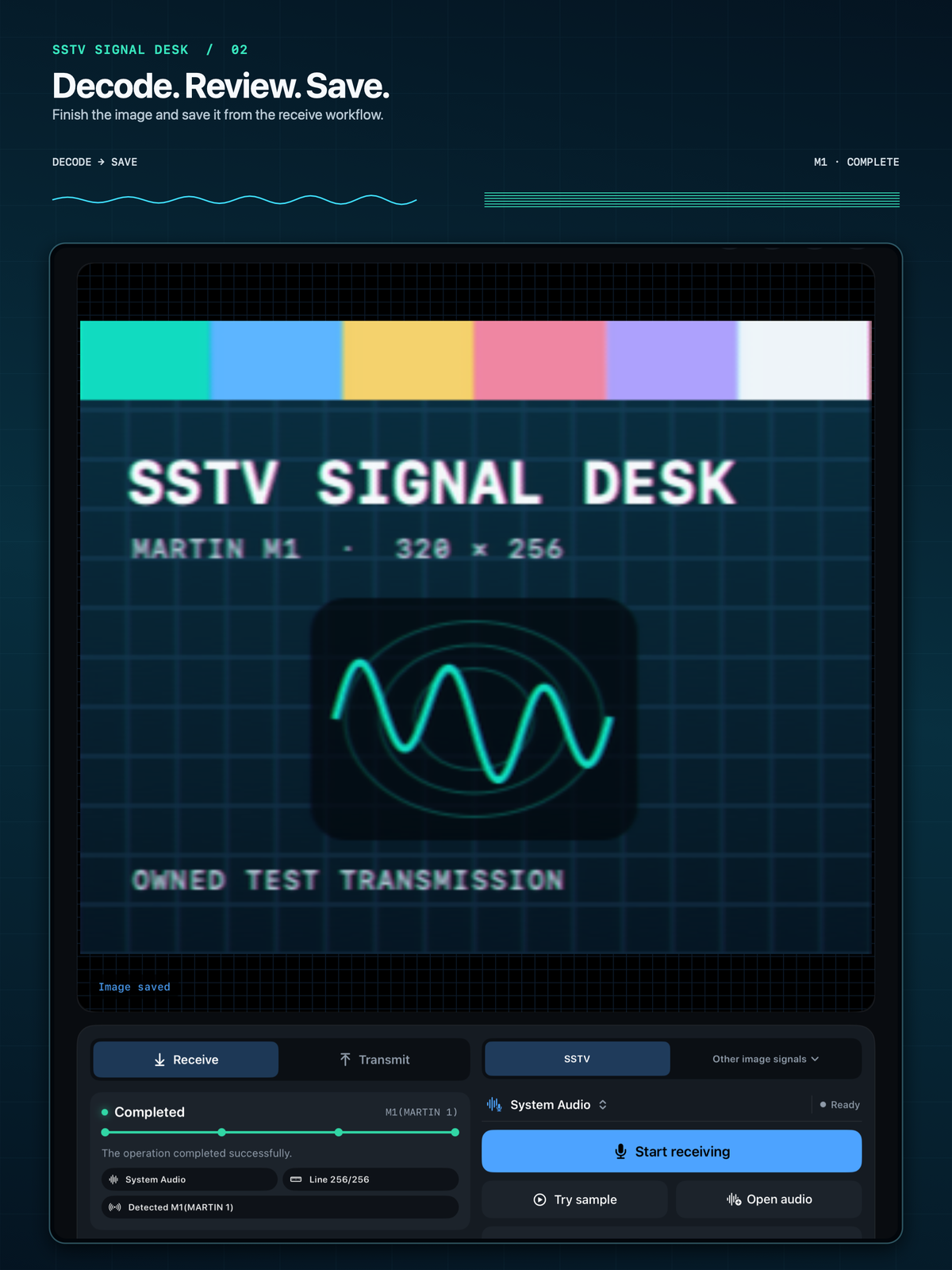
For a UK listener carrying a handheld, a small SDR, or a tablet on a desk, the app matters less than the audio path. Clean level, stable tuning, and the ability to re-check a recording usually decide whether a picture is usable.
Fastest field setup. Keep the phone still, avoid clipping, and expect room noise or AGC pumping to matter more than the exact decoder choice.
Cleaner for repeated station work. Watch level, isolation, and device routing; a quiet path helps slant and frequency correction do useful work.
Best for careful replay after a satellite pass or HF opening. Record generously, keep sample-rate notes, and decode from the cleanest section.
Version 2.0 uses the same station workspace across iPhone, iPad and native Mac, with Simple and Advanced views. The main edition difference is access to unlimited receiving and the digital/advanced tools.
Regular station desk
The full edition suits regular receiving and digital experiments. Analog SSTV, Weather Fax, SSDV and DRM reception are available alongside RX/TX archives, QSO logs, station identity, satellite pass planning and private iCloud sync. The digital and premium transmit tools are included. The UK listing checked on 8 October 2026 shows version 2.0 at GBP 2.99, with iPhone, iPad and Mac support.
First pass or occasional use
Lite is a way to check the receiving path before buying. Version 1.x includes five successfully saved decodes. Version 2.0 includes three SSTV or Weather Fax receives, counted when a supported mode is identified even if reception does not finish. Permanent Full Unlock enables unlimited receiving, SSDV, DRM and premium transmit tools. The UK listing shows the free 2.0 version, released on 29 September 2026. Older installations retain their version-specific allowance until updated.
| Capability | SSTV Signal Desk | SSTV Lite |
|---|---|---|
| Live microphone decode | Included | 1.x: five saved decodes; 2.0: three mode-identified receives, then one-time unlock |
| Supported audio file decode | Included | Same version-specific allowance as microphone receive |
| Basic image-to-analog-SSTV audio | Included | Included without using the receive allowance |
| Weather Fax receive | Included in 2.0 | Part of the three free receives in 2.0; unlimited after unlock |
| SSDV and DRM A-E | Included in 2.0 | 2.0 Permanent Full Unlock |
| Callsign overlays, FSK/CW IDs, templates and automated transmit | Included in 2.0 | 2.0 Permanent Full Unlock; saving a station callsign stays free |
| Audio/file, rtl_tcp, SoapyRemote and SDR++ sources | 2.0; decoder and platform format requirements apply | 2.0; receiving allowance or premium access still applies |
| Station profile, QSO log and private iCloud sync | Included in 2.0 | Included in 2.0; decoded-image sync can be turned off |
| Mode guide and spec details | Included | Included |
| RX/TX archive | Included | Included |
| Satellite tracking and event sources | Included | Included |
| Automatic frequency and slant correction | Included | Included |
| Useful partial-image saving | Included | Included; 1.x counts saved decodes, while 2.0 counts mode identification |
| Localization | 12 App Store languages listed | 12 App Store languages listed |
| Listing model | Up-front purchase; UK storefront GBP 2.99 at last check | Free listing plus optional one-time non-consumable unlock |
The sample library supplies lossless recordings, image payloads and format notes. Use an analog sample to establish the audio path, then move to SSDV or DRM with the appropriate input. A Mode E I/Q file is not a speaker-to-microphone test.
Read the anniversary edition release notebook for the wider 2.0 station changes.
Version and UK price facts were checked from Apple's public lookup API on 8 October 2026. Prices vary by storefront. The 2.0 app requires iOS/iPadOS 16.6 or later, or macOS 13 or later. Check the installed version before applying the Lite allowance described here.