Radio speaker to microphone
Fastest field setup. Keep the phone still, avoid clipping, and expect room noise or AGC pumping to matter more than the exact decoder choice.
 SSTV.org.uk
Field note
This is a bench note, not a shop window. The practical question is what happens between the radio speaker, a phone microphone or audio lead, a saved WAV file, and the image you hope to recover after a noisy pass.
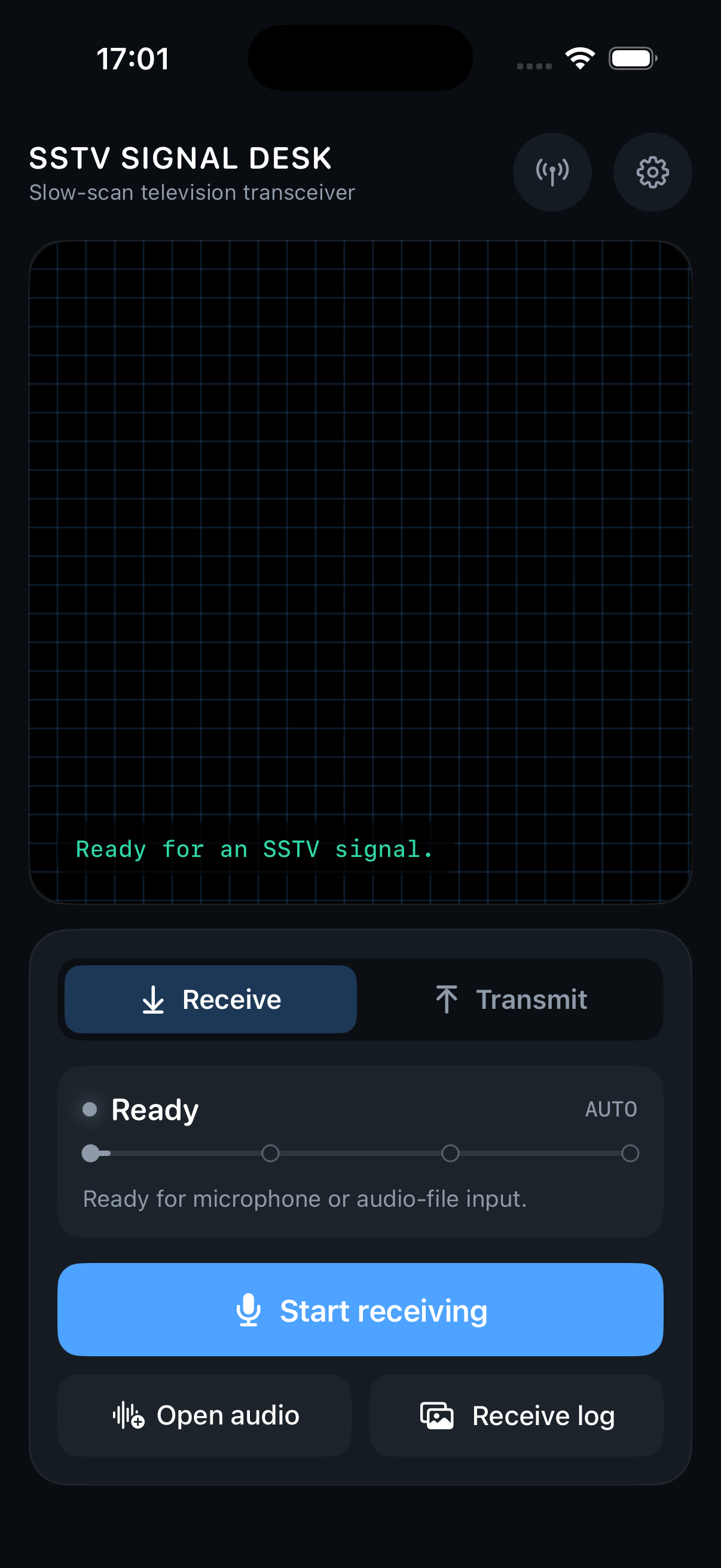
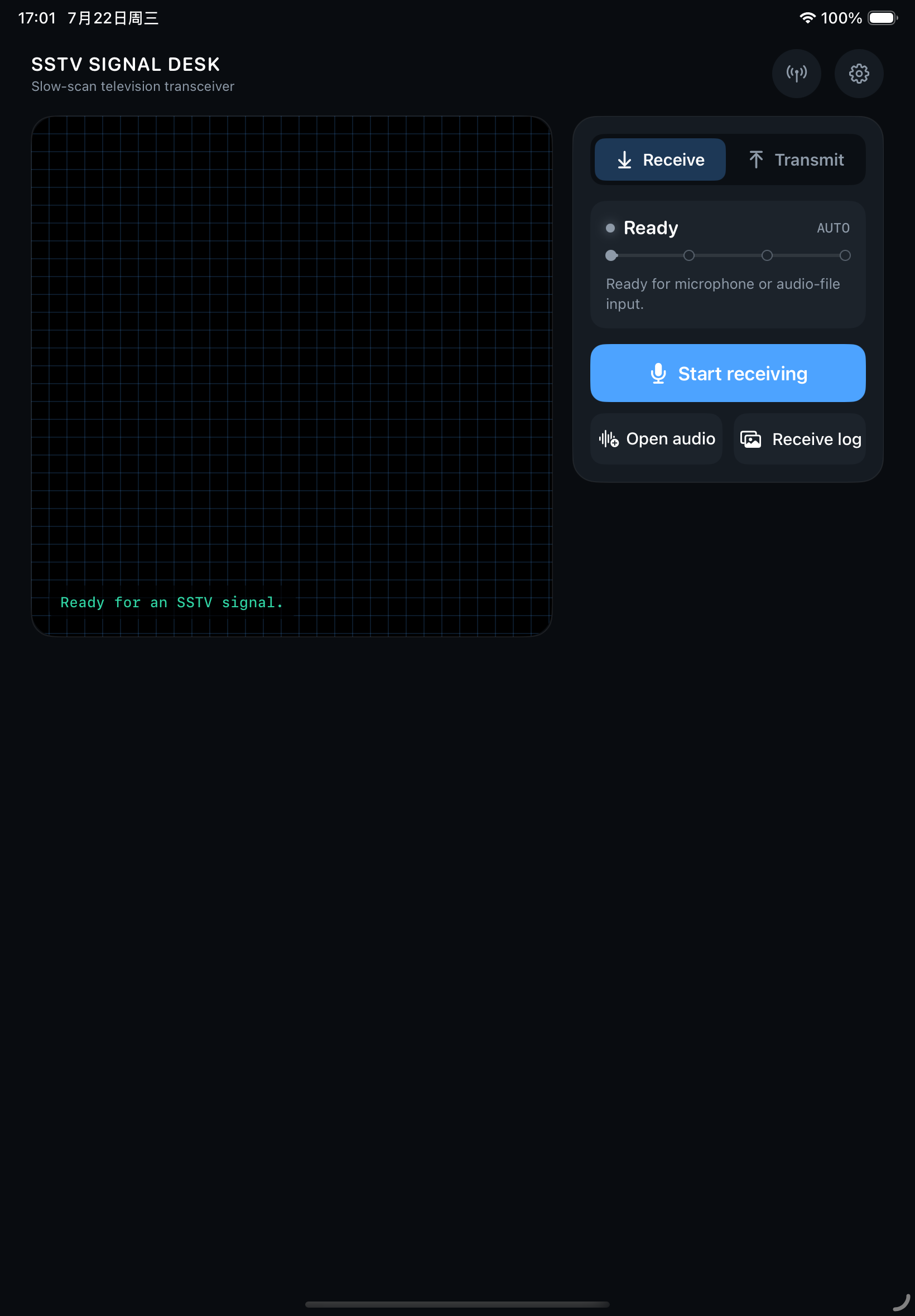
For a UK listener carrying a handheld, a small SDR, or a tablet on a desk, the app matters less than the audio path. Clean level, stable tuning, and the ability to re-check a recording usually decide whether a picture is usable.
Fastest field setup. Keep the phone still, avoid clipping, and expect room noise or AGC pumping to matter more than the exact decoder choice.
Cleaner for repeated station work. Watch level, isolation, and device routing; a quiet path helps slant and frequency correction do useful work.
Best for careful replay after a satellite pass or HF opening. Record generously, keep sample-rate notes, and decode from the cleanest section.
These station notes describe where each app tends to fit after the radio, audio path, and replay workflow are already considered.
Regular station desk
The full app suits operators who routinely receive live audio, decode saved files, generate transmit-ready SSTV audio, keep RX/TX archives, and want the mode guide, event-source view, and correction tools in one place. Apple's public listing checked on 2026-08-24 showed version 1.5.8, iPhone and iPad support, iOS/iPadOS 16.6 or later, and a US storefront price of $2.99.
First pass or occasional use
Lite is the gentler first bench test. It includes the same receive and transmit workflow, with five successfully saved decodes included before the optional Permanent Decode Unlock is needed for unlimited microphone and WAV decoding. Apple's public listing checked on 2026-08-24 showed version 1.0.2, iPhone and iPad support, iOS/iPadOS 16.6 or later, and a free app listing.
| Capability | SSTV Signal Desk | SSTV Lite |
|---|---|---|
| Live microphone decode | Included | Five saved decodes, then one-time unlock |
| Supported audio file decode | Included | Five saved decodes, then one-time unlock |
| Transmit image to SSTV audio | Included | Included |
| Mode guide and spec details | Included | Included |
| RX/TX archive | Included | Included |
| Satellite tracking and event sources | Included | Included |
| Automatic frequency and slant correction | Included | Included |
| Useful partial-image saving | Included | Included; successful saved decodes count toward the free allowance |
| Localization | 12 App Store languages listed | 12 App Store languages listed |
| Listing model | One up-front app listing; US storefront was $2.99 at last check | Free app listing plus optional non-consumable unlock |
A visible spectrum and receive history make it easier to tell whether tuning, level, or mode selection is the main problem.
Frequency and slant tools help straighten images when receiver tuning, clock drift, or pass geometry bends the frame.
When transmitting is allowed and appropriate, generating a WAV and keeping a TX archive is cleaner than relying on one live run.
App Store listing facts were checked from Apple's public lookup API on 2026-08-24. Prices can vary by storefront and Apple account region. Transmitting may require licence privileges and band-plan awareness; receiving public SSTV audio does not imply permission to transmit.